
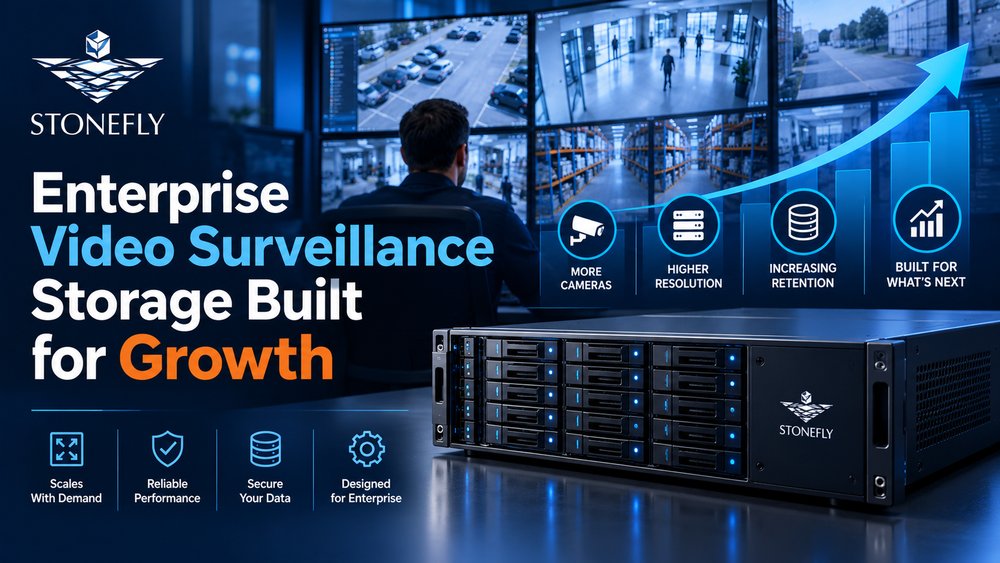
Enterprise video surveillance storage is not defined by a single protocol or deployment model. A Video Management System (VMS) may write to block volumes presented by a SAN, shared folders hosted on NAS, local media attached to recording servers, or a combination of active and archive tiers. The correct choice depends on how the VMS accesses recordings, how the storage platform handles sustained ingest, and how the organization expects capacity, throughput, and retention to grow.
This architecture decision should not be framed as a migration away from SAN or NAS. Both remain capable enterprise platforms when properly configured for the workload. Object storage and cloud services add different access semantics, lifecycle controls, and location options; they do not automatically replace primary recording storage. A scalable video surveillance storage architecture can combine these systems while preserving existing investments and operational practices.
This guide focuses on those architectural boundaries: block versus file access, scale-up versus scale-out expansion, object and cloud integration, failure-domain design, and VMS validation. For the broader end-to-end surveillance overview—including cameras, VMS operations, cybersecurity, and capacity planning—see StoneFly’s article on enterprise video surveillance systems and storage design.
Before choosing media, controllers, or capacity, determine how the VMS expects storage to be presented. Recording software may require locally mounted block volumes, support SMB or NFS shares, or place recordings through an application-controlled object interface. A protocol supported by the operating system is not necessarily a configuration supported by the VMS vendor. The validated data path must therefore guide the storage design.
A block-oriented VMS generally sees a SAN logical unit as a local disk after the host establishes an iSCSI or Fibre Channel connection. The recording server controls the filesystem, directory layout, and allocation behavior. This model can fit applications that expect direct ownership of their recording volumes and rely on operating-system or application clustering for failover.
A file-oriented VMS writes through a shared filesystem protocol such as SMB or NFS. The NAS system owns the filesystem while one or more recording servers access defined shares or exports. This can simplify shared access, but architects must verify locking behavior, permissions, path availability, and the VMS vendor’s rules for multiple servers using the same namespace.
Object storage uses a different interaction model. Applications address data through an API rather than mounting a conventional block volume or shared filesystem. That makes object storage useful for compatible archives, exported evidence, secondary copies, and applications designed for S3 access. It should not be assumed to support primary recording unless the VMS explicitly validates that workflow.
Protocol choice alone does not determine performance. A SAN, NAS cluster, or object platform can be undersized or correctly sized depending on controllers, nodes, media, cache, network paths, protection layout, and software behavior. The design target is sustained recording under both normal and degraded conditions, not a label attached to the storage system.
Continuous ingest is usually sequential at the stream level, but the aggregate system also processes metadata updates, directory operations, playback, evidence export, analytics, and maintenance. These activities can overlap. Storage and network resources must therefore be tested as a combined data path rather than evaluated from isolated drive or interface specifications.
SAN is a practical foundation when the VMS or recording servers require block storage, when the organization already operates iSCSI or Fibre Channel, or when infrastructure teams want centralized volume provisioning with redundant data paths. It can scale through controller, enclosure, media, network, and expansion choices appropriate to the selected platform.
Logical volumes provide a clear boundary for capacity allocation and workload ownership. Architects can dedicate volumes to specific recording servers, sites, camera groups, or retention classes. This can contain contention, simplify operational troubleshooting, and prevent one recorder from consuming capacity intended for another.
Volume layout should follow the VMS vendor’s supported design. Some applications expect one recording server to own each volume, while clustered applications may coordinate access differently. Multipathing protects access to the array, but it does not replace application-aware coordination. Host failover, filesystem ownership, and recording-service recovery must all be validated together.
Redundant controllers and paths matter only when the complete failover sequence works. A dual-controller array should be paired with correctly configured host multi-pathing, separate network or fabric paths, and tested ownership transitions. For iSCSI, architects should examine interface speed, switch design, flow-control guidance, jumbo-frame consistency where used, and the number of sessions expected from recording servers. Fibre Channel designs similarly require validated zoning, host bus adapters, multipath policy, and fabric redundancy.
Controller cache and back-end media must absorb the sustained write workload without turning a component failure or maintenance event into dropped recordings. Testing should include playback and export during a controller transition, drive rebuild, or reduced-path condition. Nominal aggregate bandwidth is not sufficient if performance collapses when redundancy is active.
Expansion should be planned as part of the original architecture. Depending on the platform, growth can use additional drives, shelves, storage pools, controllers, or scale-out resources. Each option changes failure domains, rebuild behavior, management boundaries, and available bandwidth. Capacity growth that does not add enough processing or network throughput may leave the recording tier unbalanced.
The useful question is not whether SAN has an inherent ceiling. It is whether the proposed configuration can meet the projected usable capacity, sustained ingest, playback, maintenance, and recovery requirements over its lifecycle. Those limits are implementation-specific and should be documented from the chosen hardware, software, and protection design.
NAS is well suited to a VMS that supports shared network paths or to environments that need a common namespace across recording, export, and analytics workflows. It can deliver centralized file access through SMB, NFS, or both, while allowing storage administrators to manage shares, quotas, permissions, protection, and expansion at the filesystem layer.
A shared namespace can simplify path management across multiple recording servers. It can also make evidence exports, analytics outputs, or archived files accessible to authorized systems without remapping block volumes. These benefits depend on application support and careful separation of recording paths from general-purpose shares.
Architects should validate authentication, service-account permissions, protocol versions, durable-handle behavior where relevant, and what the VMS does if a share becomes temporarily unavailable. Reconnection does not necessarily mean the application resumes recording automatically or preserves the expected timeline. The failure and recovery behavior belongs in the acceptance test.
Scale-up NAS expands within a system by adding media or enclosures according to the platform’s design. It can consolidate substantial capacity under a familiar administrative model. Scale-out NAS distributes capacity and processing across multiple nodes, often allowing throughput and storage resources to increase together. Both models are valid; the correct choice depends on namespace requirements, growth increments, failure isolation, and operational preferences.
Scale-out is especially useful when additional cameras or analytics require more processing and network capability as well as more space. However, node count alone does not guarantee linear performance. Data placement, rebalancing, protection policy, metadata services, and the VMS access pattern influence the result. A representative ingest test remains necessary.
When NAS supports surveillance alongside other file workloads, administrators should isolate traffic and capacity with dedicated shares, storage pools, nodes, networks, or quality-of-service policies as supported by the platform. An evidence export, user-file workload, snapshot operation, or analytics scan should not unexpectedly consume the resources reserved for primary recording.
Monitoring should distinguish ingest throughput, client latency, capacity consumption, protection state, and background operations. This visibility helps teams determine whether an issue originates in the VMS, recording server, network, or NAS layer instead of treating every symptom as a storage-capacity problem.
Object storage introduces API-based access, metadata, and policy-driven lifecycle capabilities that can complement block and file recording tiers. Its strongest role is often outside the latency-sensitive primary recording path: selected archive, exported evidence, replicated content, or application datasets that the VMS or an integration service can address through S3-compatible interfaces.
An S3 endpoint is not interchangeable with an SMB share, NFS export, or block volume. The application must understand object operations or use a supported gateway or data-movement service. Treating object storage as a transparent replacement without validating the application path can create performance, consistency, or retrieval problems.
When compatibility exists, object metadata and lifecycle policies can help classify and manage retained footage. Teams can define how objects are named, protected, retained, replicated, or transitioned. Those policies must remain consistent with evidence handling, privacy requirements, deletion schedules, and the time investigators can tolerate for retrieval.
Primary recording and long-term retention have different service requirements. Active recordings may need immediate search and simultaneous playback, while designated older footage or incident exports may tolerate a different access path. Separating those tiers prevents the primary system from carrying every retention use case at the same performance level.
Archive is not synonymous with backup. An archive retains selected information for longer-term access, while backup creates an independent recoverable copy of defined data. Object storage may support either role depending on the architecture, but the policies, recovery objectives, immutability controls, and ownership model must be explicit.
Cloud integration is most useful when it solves a defined location, access, resilience, or operating-model requirement. It should not be justified by claiming that on-premises SAN or NAS cannot scale. Cloud based surveillance storage can provide an off-site destination, selected archive tier, centralized access path, or service-managed capability while active recording remains on infrastructure close to the cameras.
A storage gateway can connect existing block or file workflows with cloud object storage. Depending on the product and policy, the gateway may cache active data locally, translate protocols, or move eligible content after a defined period. This lets organizations extend an established video surveillance storage environment instead of forcing recording servers to write every stream directly across a WAN connection.
The policy must specify what moves, when it moves, how long local copies remain, and what occurs during loss of connectivity. Retrieval targets, cache sizing, encryption, credentials, bandwidth controls, and egress costs should also be tested. A gateway creates an architectural bridge; it does not eliminate the operational characteristics of either side.
Cloud video management systems vary in what they place in the cloud. Centralized administration, identity, health monitoring, software delivery, recording, and retention may be split differently across services. Teams should document each control-plane and data-plane responsibility rather than assuming that a cloud-managed system stores all video remotely.
The same distinction applies to cloud based video surveillance storage. A deployment might retain primary footage locally and send only selected events or protected copies off-site. Another might use camera-to-cloud recording where connectivity and service design permit it. The architecture should identify bandwidth requirements, outage behavior, data residency, export procedures, and responsibility for retention changes.
A video surveillance cloud storage calculator can estimate upload and retained capacity, but it does not determine protocol compatibility or service fit. For detailed security camera storage requirements and bitrate calculations, use the sizing workflow in StoneFly’s enterprise video surveillance storage overview rather than repeating that calculation inside the architecture decision.
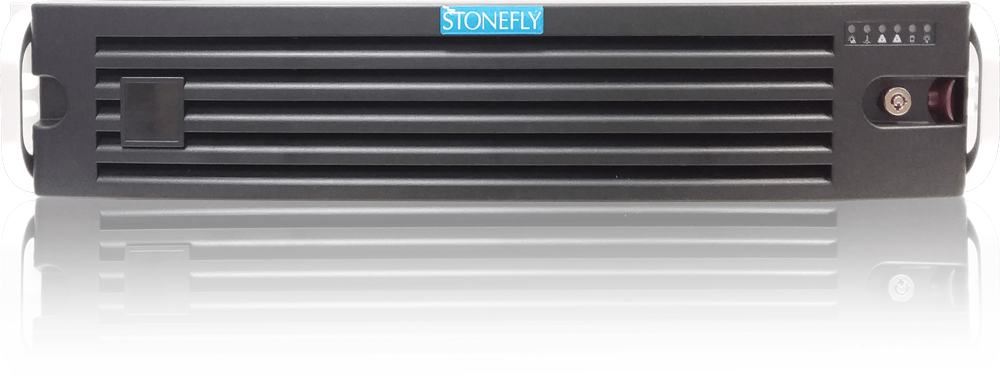
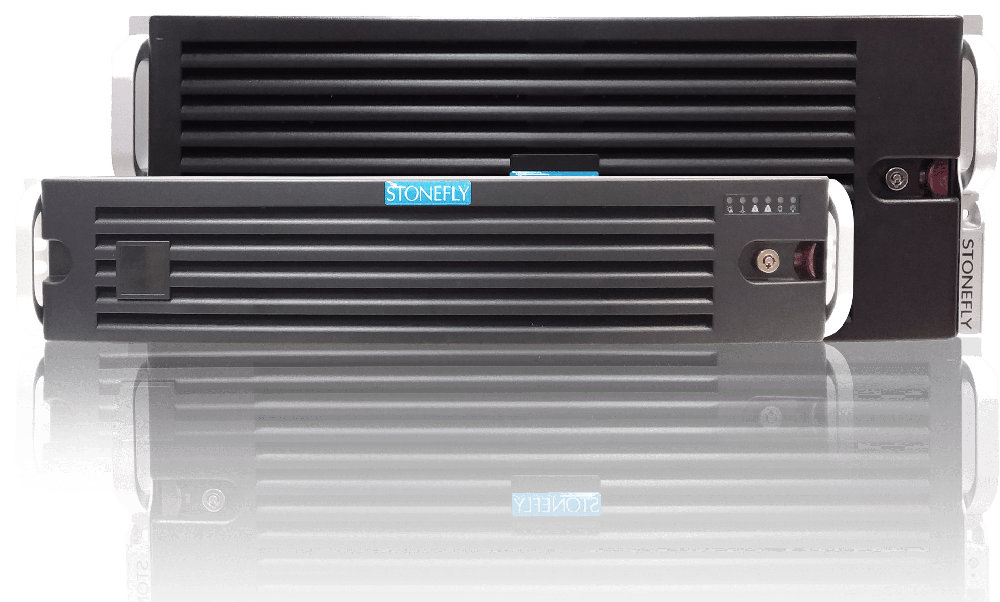
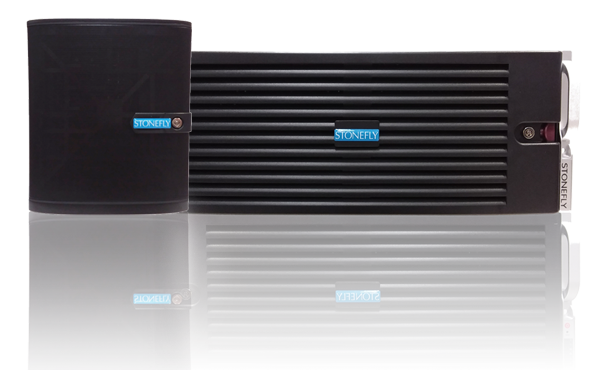
StoneFly supports enterprise video surveillance with architectures that preserve protocol choice. The StoneFly Unified Scale Out appliance provides SAN access using iSCSI and Fibre Channel, NAS access using NFS and SMB/CIFS, and S3-compatible object storage. This allows block, file, and object requirements to be addressed within a unified architecture where that operational model fits.
The StoneFly SSO NAS platform provides file services through NFS, SMB, and CIFS across single-node, high-availability, and scale-out configurations. The selected platform and configuration should be based on VMS compatibility, measured ingest, usable capacity, concurrent reads, failure behavior, and lifecycle requirements—not on a generic preference for one protocol.
Unified storage can support recording servers that require block volumes, file-based workflows that require shared namespaces, and applications that use object interfaces. The benefit is architectural flexibility and common administration where appropriate. It does not require every workload to use every protocol, nor does it imply that object or cloud access should replace a validated SAN or NAS recording path.
This model can also simplify phased modernization. An enterprise can retain a supported VMS access method while introducing object storage or cloud tiering for selected data. Protocol boundaries remain visible, which allows each application to use the interface it was designed and validated to consume.
A StoneFly configuration should be sized from measured workload and lifecycle requirements. Recording-server count, average and peak ingest, simultaneous playback, analytics reads, protection method, retention tiers, network interfaces, failure conditions, and expected growth all influence the controller, node, media, and enclosure design.
Proof-of-concept testing should reproduce sustained recording plus the operations that occur around it. Test concurrent playback and export, path or controller failover, rebuild or rebalancing activity, loss and restoration of network access, and retrieval from secondary tiers. This is how a scalable video surveillance storage architecture is verified before production.
Architecture documents describe intent; validation determines whether the selected components behave correctly together. The test plan should cover protocol presentation, VMS support, authentication, sustained throughput, capacity reporting, retention enforcement, monitoring, failover, and recovery. Results should identify both the normal operating envelope and the degraded conditions the deployment can tolerate.
For SAN, verify host discovery, volume ownership, filesystem behavior, multi-pathing, and controller transitions. For NAS, verify share access, permissions, reconnection, namespace behavior, and the VMS response to temporary unavailability. For object or cloud workflows, verify upload, metadata, lifecycle policy, retrieval, deletion, and the consequences of interrupted connectivity.
Tests should use the intended software versions and realistic recording-server configuration. A generic file copy or synthetic storage benchmark may reveal component performance, but it does not prove that the VMS will record, index, search, and recover as expected.
A design can remain online yet fail its operational objective. Reduced paths, controller ownership changes, node maintenance, drive rebuilds, rebalancing, or WAN interruption may increase latency or reduce throughput enough to affect recording. Acceptance criteria should state how many streams must continue, what alerts must appear, and how recovery is confirmed.
The same discipline applies to expansion. Adding drives, shelves, nodes, or cloud capacity should not be treated as complete until data placement, protection state, performance, and monitoring return to the expected condition. Documented validation turns scalability from a marketing term into an operational capability.
Enterprise video surveillance does not require choosing a universal winner among SAN, NAS, object storage, and cloud. The VMS access model establishes the first boundary. Sustained ingest, shared access, failure isolation, retention tiers, retrieval expectations, and operational ownership then determine how the complete architecture should be assembled.
SAN provides block storage for applications designed around host-owned volumes. NAS supplies shared file access and can scale up or out according to the platform. Object storage adds API-based retention and mobility for compatible workflows. Cloud services extend location and operating-model choices. These systems can work together without portraying existing enterprise storage as obsolete or inherently constrained.
The final decision should be validated with the intended VMS, recording servers, network, protection policy, and failure conditions. To review a SAN, NAS, object, or hybrid design against a measured surveillance workload, contact StoneFly.




Join our mailing list to receive the latest news, updates, and promotions from StoneFly.