
Buying enterprise NAS is not like buying a laptop refresh. Get it wrong, and the organization is stuck with the consequences for the next five to seven years, the typical lifespan IT teams plan around before a storage refresh cycle comes up again. A platform that looked adequate in the RFP can turn into a bottleneck within eighteen months if nobody stress-tested it against real growth, real file workloads, and real failure scenarios before the purchase order was signed.
The stakes are higher than they were even a few years ago. IDC’s Global DataSphere forecast projected that the world’s data volume would reach 175 zettabytes by 2025, and enterprise IT teams have felt that growth directly on their shared file storage, driven by video, IoT telemetry, and now generative AI workloads that ingest and produce far more unstructured file data than the applications they replaced. Enterprise NAS has to absorb that growth without forcing a forklift upgrade every eighteen months, and it has to do it while withstanding a threat landscape where ransomware operators specifically target file shares and the backups that sit on them.
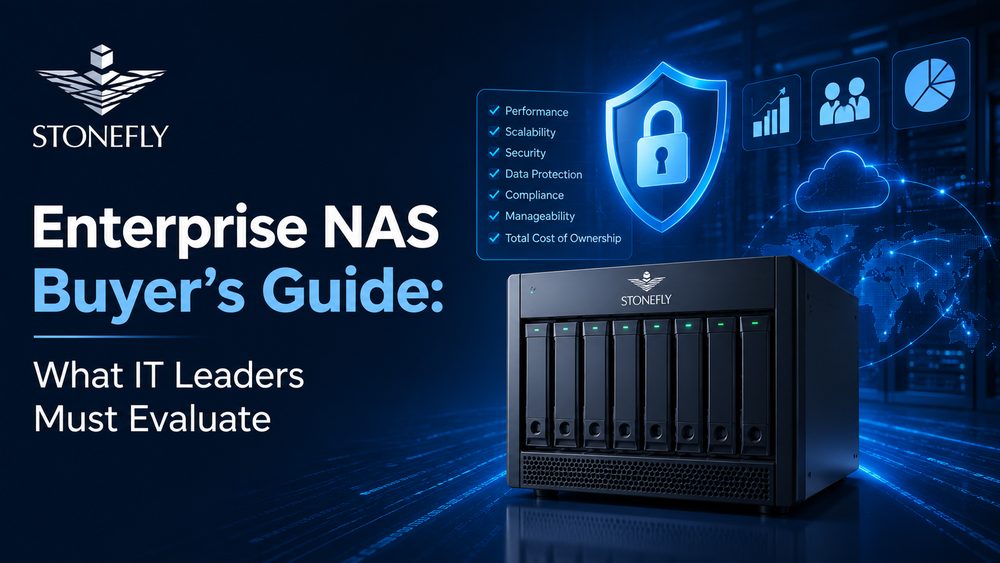
This guide sticks to what actually determines whether a NAS purchase holds up: capacity planning, file protocol and performance requirements, data protection, high availability, cloud tiering, and the total cost of ownership hiding behind the sticker price.
The single most common NAS buying mistake is sizing for today’s data footprint instead of the data footprint eighteen months from now. Storage teams routinely underestimate growth because they measure the wrong baseline: total file data under management today, rather than the rate at which new departments, applications, and AI or analytics workloads are onboarding onto shared file storage. A realistic sizing exercise starts with twelve months of growth history, not a single snapshot.
Scale-up NAS architecture adds capacity by adding drives or shelves to a fixed controller pair, which is simple to manage but eventually hits a performance ceiling as the same two controllers serve more and more file data. Scale-out NAS architecture adds capacity and performance together by adding nodes to a cluster, so file throughput grows in step with capacity instead of flattening out. For organizations that expect steady, long-term growth rather than a one-time capacity bump, scale-out is worth the added architectural complexity because it avoids a second disruptive migration a few years down the road.
Beyond raw growth rate, buyers should account for the overhead that eats into usable capacity before a single production file lands on the array: RAID or erasure coding overhead, snapshot reserve space, replication targets, and the free space a platform needs to maintain performance as it fills up. A platform quoted at 100 terabytes raw rarely delivers more than 60 to 70 terabytes of usable, performant file capacity once those factors are accounted for, and vendors don’t always volunteer that math up front.
It also helps to separate structured growth, the predictable expansion of existing file shares and departments, from unstructured growth driven by new initiatives that didn’t exist when the last sizing exercise happened. AI and analytics projects in particular tend to appear on a NAS platform’s doorstep with little warning, arriving with data ingestion volumes that dwarf the traditional file shares the array was originally sized for. Building a 20 to 30 percent capacity buffer into the initial purchase, rather than sizing exactly to the twelve-month forecast, absorbs that kind of surprise without triggering an emergency expansion order mid-budget-cycle.
Capacity gets the most attention in a buying decision, but performance is what determines whether users actually notice the new platform is there. IOPS (input/output operations per second) matter most for workloads with lots of small, random file reads and writes, such as user home directories and engineering file shares, while throughput, measured in megabytes or gigabytes per second, matters more for large sequential workloads like video editing, media rendering, and bulk data ingestion. Buying for the wrong metric is a common and expensive mistake: a platform tuned for high sequential throughput can still feel sluggish under a file share dominated by small random IOPS.
Protocol support determines which clients can actually use the NAS platform without friction. Windows-heavy environments need solid SMB performance, SMB signing and encryption, and tight Active Directory integration for permissions; Linux and Unix environments lean on NFS, ideally NFSv4 with Kerberos authentication rather than older, effectively unauthenticated NFS exports. A platform that handles both protocols natively, on the same shares where mixed-client access is needed, avoids the permission-mapping headaches that come with bolting one protocol on top of the other as an afterthought.
Few organizations can afford, or need, an all-flash array for every file share. Automated tiering that moves hot files to NVMe or SSD and cold files down to high-capacity HDD gives most enterprises flash-level performance where it matters and archive-level economics everywhere else. The detail worth asking about in a demo, not just a data sheet, is how quickly and how granularly the tiering engine moves data: file-level tiering that reacts within hours behaves very differently under a real workload than coarse, once-a-day tiering jobs.
Network connectivity is the part of the performance conversation buyers most often overlook, even though a fast NAS backend delivers none of its performance if the network path to it is undersized. A platform capable of saturating NVMe drives internally is wasted behind 1GbE uplinks; 10GbE is the practical minimum for a modern enterprise NAS deployment today, 25GbE is increasingly the standard for performance-sensitive file workloads, and environments with heavy media, engineering, or AI data ingestion pipelines should be sizing network uplinks at 100GbE from the outset rather than planning to upgrade the network after the storage is already in production.
Data protection can no longer be treated as a feature to bolt on after the storage purchase. Snapshot frequency and retention, replication to a secondary site, and immutability that survives a compromised administrator account should all be evaluated as core platform capabilities, not optional add-ons priced separately after the fact. A detailed breakdown of what to look for is covered in this guide to NAS security, and this walkthrough of immutable snapshots for NAS is worth reviewing before finalizing a shortlist.
Ransomware resilience specifically deserves a line item in any RFP. Ask vendors directly whether snapshots can be deleted by an administrator account, whether the platform supports air-gapped or logically isolated backup copies, and whether ransomware detection happens during file activity itself or only after damage is already done. This breakdown of ransomware-proof NAS appliances covers the specific hardware and firmware-level protections worth asking vendors about directly.
Downtime on a shared NAS platform doesn’t affect one application, it affects every user and every department depending on those file shares. High availability requirements should be sized to the actual cost of downtime for the business, not a generic uptime percentage copied from a competitor’s spec sheet.
Traditional RAID protects against one or two simultaneous drive failures depending on the RAID level, but rebuild times on large, modern high-capacity drives can stretch into days, during which the array runs in a degraded, more vulnerable state. Erasure coding spreads data and parity information across more drives and nodes, tolerating more simultaneous failures with less capacity overhead and meaningfully faster rebuilds, which matters more with every generation of larger drives entering the market.
Controller-level redundancy, active-active or active-passive failover clustering, and redundant network paths all determine what actually happens when a single component fails. Ask for a live failover demonstration during evaluation, not just a spec sheet claim: the meaningful number is how many seconds of file access interruption a client actually experiences during failover, not whether the vendor claims high availability exists on paper.
A short set of direct questions surfaces most of what a vendor’s marketing material tends to leave vague:
Very few enterprise environments run purely on-premises anymore, and a NAS platform that treats the cloud as an afterthought creates integration headaches down the line. Cloud tiering lets IT teams move cold, infrequently accessed files out to public cloud storage economics without abandoning on-premises performance for active file shares.
Look specifically at how a platform handles cloud tiering: whether it supports more than one cloud provider, whether tiered files remain accessible through the same namespace users already browse, and whether egress costs from pulling tiered data back on-premises are transparent before a large recall becomes an unpleasant line item on a cloud bill.
For most enterprises, the NAS platform doubles as the backup repository, not just the primary file store, so backup software compatibility is not optional. Confirm the platform is specifically validated as a Veeam Ready repository, ideally with immutability support, rather than simply compatible in the general sense of accepting an SMB or NFS mount point. A NAS platform that requires custom scripting to integrate with existing backup jobs adds operational risk that only surfaces during an actual recovery, when there is no time left to troubleshoot it.
The purchase price on a quote is rarely the number that matters most over a five-to-seven-year lifecycle. Licensing model, support renewal costs, expansion pricing, and power and cooling requirements all compound over time, and a platform that looks cheaper upfront can end up costing more once those factors are added in.
| Licensing Model | How It Works | What to Watch For |
| Perpetual license | One-time cost for the software license, paid upfront with the hardware | Support and maintenance renewals can add up; confirm renewal pricing before year one ends |
| Subscription / term license | Recurring fee tied to a defined term, often bundled with support | Predictable budgeting, but total cost over five-plus years can exceed perpetual licensing |
| Capacity-based licensing | Cost scales with usable or raw capacity deployed | Growth becomes a recurring licensing cost, not just a hardware purchase |
| Included, no separate license | Software features bundled into the hardware price with no per-feature licensing | Fewest surprises, but confirm which features are actually included versus sold separately |
Beyond licensing, ask vendors directly about expansion shelf pricing, whether firmware and major software updates are included in support contracts or billed separately, and what happens to licensing costs during a capacity expansion rather than a full platform refresh. These are the questions that separate an accurate five-year total cost of ownership estimate from a quote that only reflects the first year.
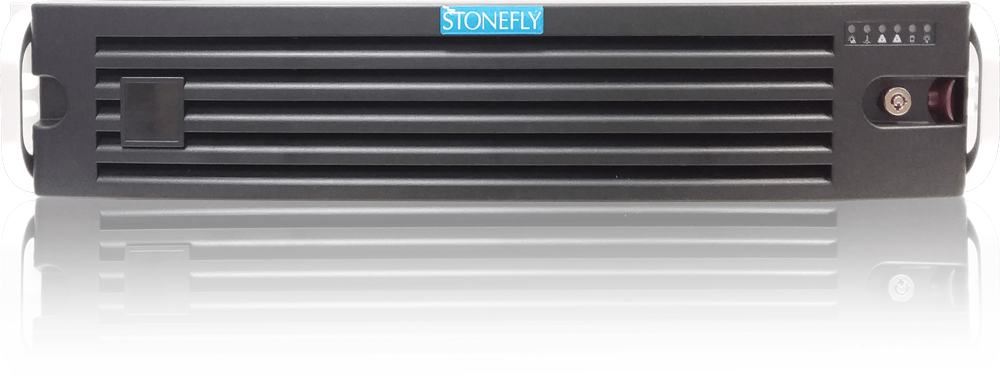
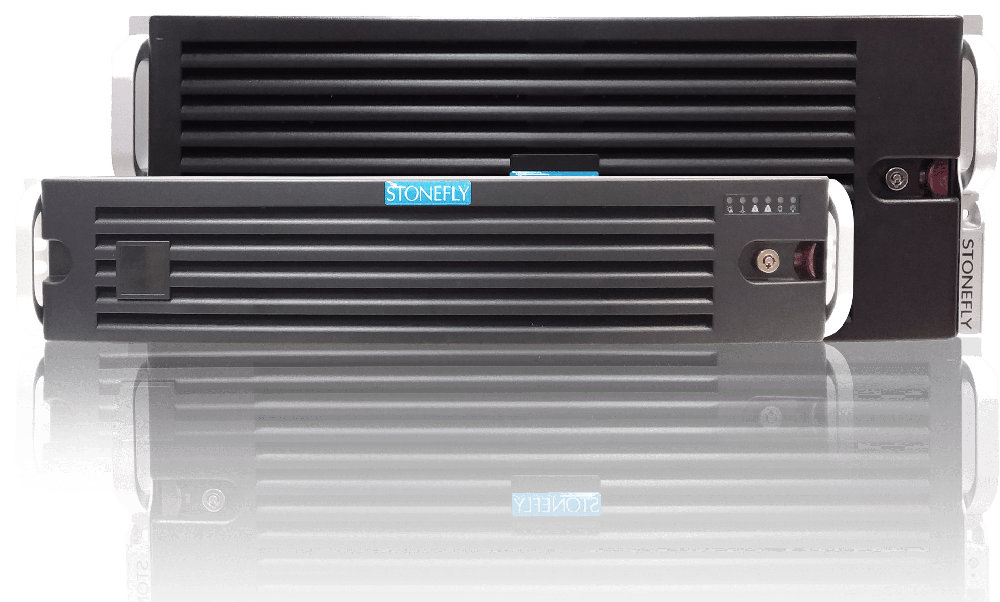
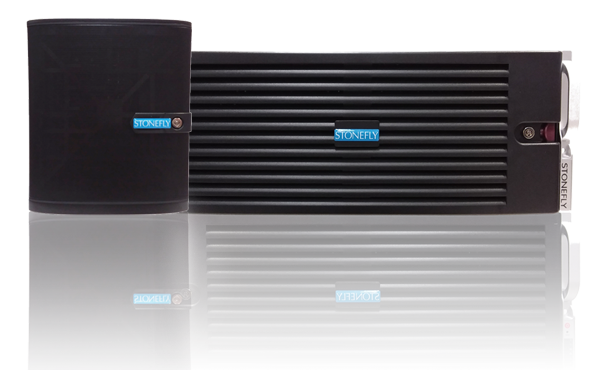
Every criterion above points toward the same underlying question: does the NAS platform handle capacity, performance, protection, and availability as one coherent system, or as separate problems the buyer has to solve with separate tools bolted onto a bare file server? StoneFly’s scale-out NAS storage platform is built around that question directly, adding capacity and performance together by scaling out rather than forcing a controller replacement every time the array runs out of headroom.
The platform supports NFS and SMB natively from the same shares, builds in air-gapped and immutable snapshot protection at the platform level rather than as a bolt-on, and is validated as a Veeam Ready repository for organizations that need the NAS to double as a backup target. For IT teams working through this exact buying checklist, it’s worth evaluating specifically because capacity, file protocol performance, and ransomware resilience are handled as one validated platform instead of three separate purchasing decisions.
The criteria in this guide translate directly into RFP line items: documented growth-adjusted capacity math, IOPS and throughput numbers tied to actual file workloads rather than marketing benchmarks, ransomware-resilient data protection built into the platform, a live failover demonstration, confirmed Veeam repository, and a five-year total cost of ownership estimate that accounts for licensing, support, and expansion pricing.
None of these factors matters as much in isolation as it does combined with the others. A platform with excellent file performance but weak ransomware protection is a liability, and a platform with strong data protection but a licensing model that punishes growth becomes an expensive surprise two years into deployment.
IT teams working through a NAS refresh should evaluate all six categories together before shortlisting vendors, and reach out to contact StoneFly directly with the specific file workload and growth numbers to get a sizing recommendation instead of a generic quote.

Join our mailing list to receive the latest news, updates, and promotions from StoneFly.